Solution
Shop migration: replacing WooCommerce, Shopware or Magento
We migrate your shop from WooCommerce, Shopware, Magento or a custom PHP solution to a modern, open shop platform without licence costs. Products, customers and order history move with you, and old addresses are redirected to the new ones so that your Google rankings are preserved. On request, the new shop is connected directly to your ERP.
Who it is for: For retailers and manufacturers with an established online shop on WooCommerce, Shopware, Magento or a custom PHP base that is reaching its limits.
Starting point
How the process runs today
The shop was set up years ago and has since been extended with plugins and customisations. Every update is a risk, some extensions are no longer maintained, and pages load slowly. The move keeps getting postponed because nobody knows what will happen to customer accounts, orders and Google rankings.
What it costs
- Updates to the shop system, plugins or PHP are put off, and security gaps stay open.
- Older versions such as Magento 1 or Shopware 5 no longer receive updates from the vendor.
- Licences, paid extensions and agency hours for customisations add up every year.
- Orders are transferred to the ERP by hand because the connection is missing or keeps breaking.
Process
What the process looks like afterwards
01
Take stock
We record products, variants, customers, orders, extensions and every address that Google knows.
02
Build the new shop
The new shop is built in parallel while the old one keeps selling. You test every version on a separate test address.
03
Transfer the data
Products, customers and order history are transferred and checked in at least one trial run.
04
Set up redirects
Every old address points to the matching new page, so rankings and links from other websites are preserved.
05
Switch over
The switch happens on a quiet day. In the first weeks we closely monitor orders, errors and Google.
What moves with you
| Data | What is transferred | Note |
|---|---|---|
| Products and variants | Texts, images, prices, variants and categories | If the ERP holds the item master, the new shop is filled directly from the ERP |
| Customer accounts | Name, company, addresses and customer groups | Customers usually set a new password at their first login |
| Order history | Orders with line items and status | Customers still see past orders in their account |
| Page addresses | every old product, category and content page | permanent redirect to the matching new page |
| Vouchers, reviews, subscriptions | as needed | decided when taking stock |
In practice: Extremprint and Bandex
Extremprint, the online print shop of Walz Druck GmbH, used to sell through WordPress with WooCommerce. The new shop runs on an open shop platform without licence costs: one click instead of five to the product, a designer in the browser and print-ready files without rework. The launch is in preparation.
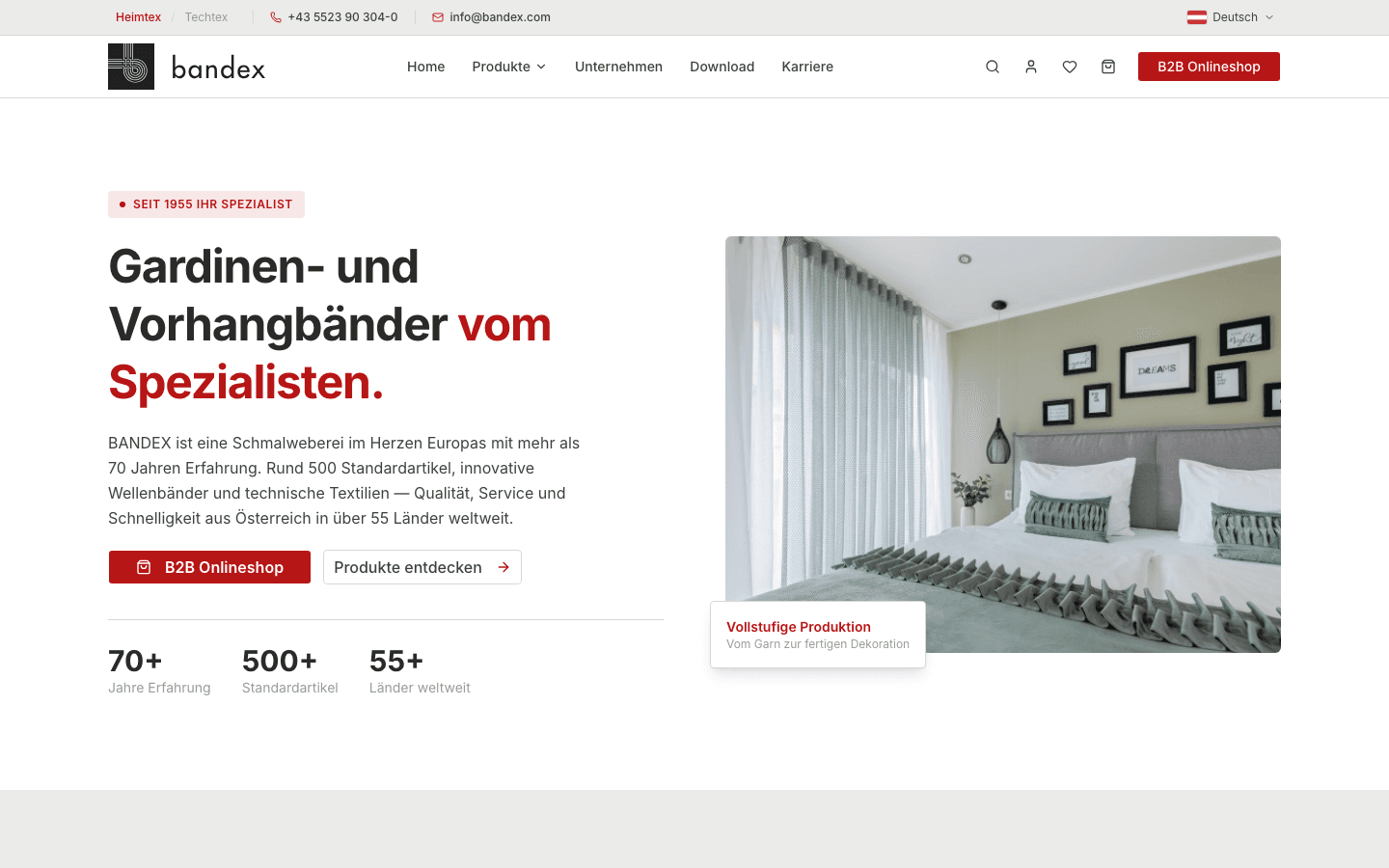
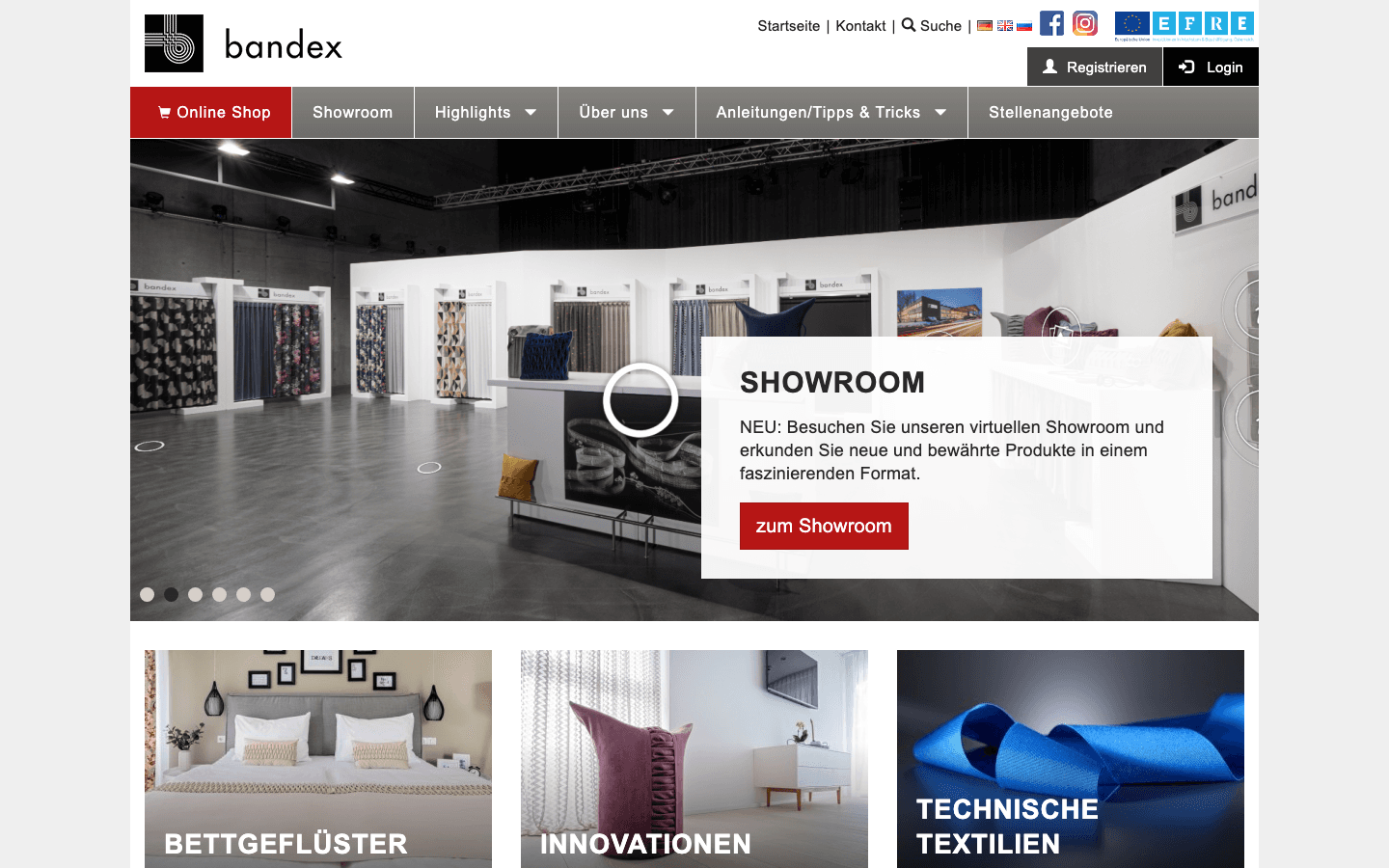
At Bandex in Vorarlberg, the new platform replaces a PHP website with a shop that was more than ten years old. Items, prices and customer prices come directly from SAP, so nothing had to be transferred from the old shop. That is often the simplest route: where the ERP leads, the new shop is filled from the ERP.
What missing redirects can cost: a worked example
In this example, a shop receives 4,000 visits per month from Google. 1.5 per cent of them buy, and the average basket is CHF 120. That makes CHF 7,200 in revenue per month from Google.
If the redirects are missing after the move, visitors and Google land on error pages and rankings are lost. If revenue from Google drops by 40 per cent for six months as a result, around CHF 17,000 is lost. That is why clean redirects are a fixed part of every migration we do.
These are assumptions for illustration, not measured values. Use your own figures from Google Analytics or Google Search Console.
Revenue from Google in the six months after the move
+Show values as a table
| Value | Revenue from Google |
|---|---|
| With redirects | CHF 43'200 |
| Without redirects, 40 % drop | CHF 25'920 |
Integrations
Which systems are connected
The new shop is filled from the old system or, where the ERP holds items and prices, directly from the ERP. We read data from Shopware, Magento and custom PHP shops through their exports or directly from the database.
- ERP and accounting
- Abacus
- bexio
- Odoo
- Shop and PIM
- WooCommerce
- Medusa
Make or buy
Off-the-shelf or custom?
Off-the-shelf software is enough if
- You sell standard items at list prices and do not need an ERP connection.
- An update to the current version of your shop system already solves the problems.
- A rented shop with a monthly fee suits your volume.
Finished products for this case: Shopify, Shopware 6 or an up-to-date WooCommerce, each with the vendors' migration tools.
Custom is worth it if
- Customer prices, volume discounts or framework agreements must apply in the shop.
- Products are configured or designed, as at a print shop.
- The shop should be closely connected to the ERP, without retyping.
- You want no licence costs and do not want to tie the shop to one vendor.
Effort
Price range and duration
- Price range
- CHF 30'000 to 120'000
- Duration
- 3 to 6 months
Non-binding estimate, excl. VAT.
What drives the effort
The decisive factors are the number of products and variants, the order history to be transferred, special features such as configurators and the ERP connection. A move with standard products and no ERP connection sits at the lower end.
The price becomes binding after the fixed-price discovery phase.
Shop migration: replacing WooCommerce, Shopware or Magento
Frequently asked questions
Will we lose our Google rankings when migrating our shop?
Not if every old address is permanently redirected to the matching new page. Before the move, we record every address that Google and other websites know, and we check the redirects before and after the switch. Short fluctuations in the first weeks are normal, and we monitor them in Google Search Console.
Do our customers have to set a new password after the shop migration?
Usually yes, once. Customer accounts, addresses and past orders are transferred, but for security reasons passwords can rarely be carried over. Your customers receive an email with a link and set a new password the next time they log in.
Can the old shop keep running until the switch?
Yes, that is the normal case. The new shop is built in parallel while your existing shop keeps selling. Shortly before the switch, we transfer the latest orders and customers once more so that nothing is lost.
Medusa, Shopify or WooCommerce: which do you recommend?
For a shop with standard products and standard prices, Shopify or WooCommerce is enough. We recommend Medusa when customer-specific prices, configurable products, approval processes or a close ERP integration are required. We make the decision in the discovery phase, based on your requirements.
Who holds the rights to the code and the data?
The data is yours. The source code is kept in a repository you have access to, and the usage rights to it pass to you once the work is paid in full. We rely on widely used technologies such as Next.js, C# and PostgreSQL, so that another team can take the software forward if needed.
Let us talk about your case.
20 minutes are enough to find out whether a custom solution is worth it for you.